




Price: $2,399.99 $1,399.99
(as of 2026-10-15 21:04 GMT+0000 – Details)

Processor Performance
The laptop is powered by an Intel Core 7 150U processor with 10 cores and 12 threads, capable of reaching up to 5.4 GHz. This configuration provides enterprise‑grade processing headroom for multitasking, large data sets, and professional creative applications. In practice, the high core count and turbo frequency allow smooth simultaneous operation of productivity suites, development environments, and media editing tools. However, the chip remains an integrated‑graphics solution, so workloads that demand discrete GPU acceleration—such as intensive 3D rendering or high‑end video effects—will rely on the CPU and may experience longer render times.
Memory and Storage Capacity
Equipped with 32 GB of DDR5‑5200 MHz RAM, the system offers ample bandwidth for seamless multitasking across dozens of browser tabs, virtual machines, and large design files. The 2 TB PCIe NVMe SSD supplies ultra‑fast boot times, near‑instant application launches, and sufficient space for years of business documents, media archives, or code repositories. While the memory amount is generous for most professional scenarios, the soldered‑on nature of DDR5 in many thin‑and‑light designs means future upgrades are unlikely, so the initial configuration should match long‑term needs.
Display Characteristics
The 16‑inch FHD+ panel (1920 × 1200) adopts a 16:10 aspect ratio, delivering extra vertical workspace that benefits spreadsheets, coding, and document editing. With 300 nits brightness, WVA/IPS technology, anti‑glare coating, and ComfortView Plus, the screen remains readable in varied lighting and reduces eye strain during extended sessions. Integrated AMD Radeon graphics (listed as Intel Graphics in the spec sheet) handle everyday video playback, streaming, and light creative tasks adequately, but the lack of a dedicated GPU limits performance in color‑critical workflows or high‑frame‑rate gaming.
Operating System and AI Assistance
Windows 11 Pro ships pre‑installed, providing enterprise‑grade security features such as BitLocker, remote desktop, and group policy management. The integrated Copilot AI assistant can draft emails, summarize documents, organize tasks, and retrieve information quickly, potentially reducing repetitive manual work. These AI‑driven shortcuts are most effective for text‑heavy workflows; their utility diminishes for highly specialized or graphics‑intensive tasks where human judgment remains essential.
Design, Portability, and Connectivity
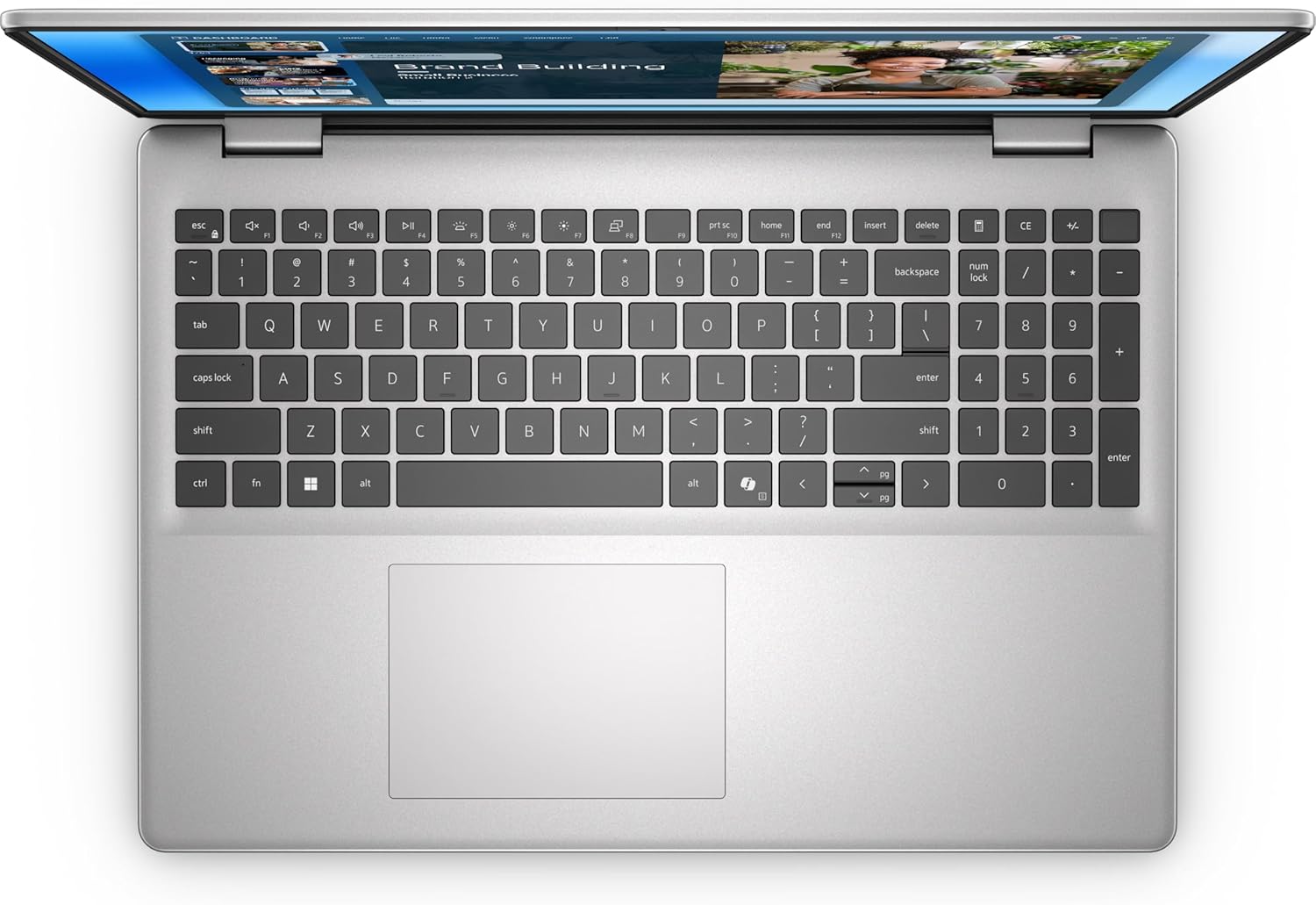
The chassis measures 14.05 × 9.87 × 0.64–0.78 inches and weighs 4.37 lb (1.98 kg), positioning it as a portable yet sturdy device for travel, office hot‑desking, or classroom use. A slim bezel maximizes screen real estate, while a backlit keyboard with a dedicated Copilot key and numeric keypad supports productivity in low‑light environments. Wi‑Fi 6E (2×2 MU‑MIMO) and Bluetooth ensure fast, stable wireless connections for cloud collaboration and peripheral pairing.
Port Selection and Expandability
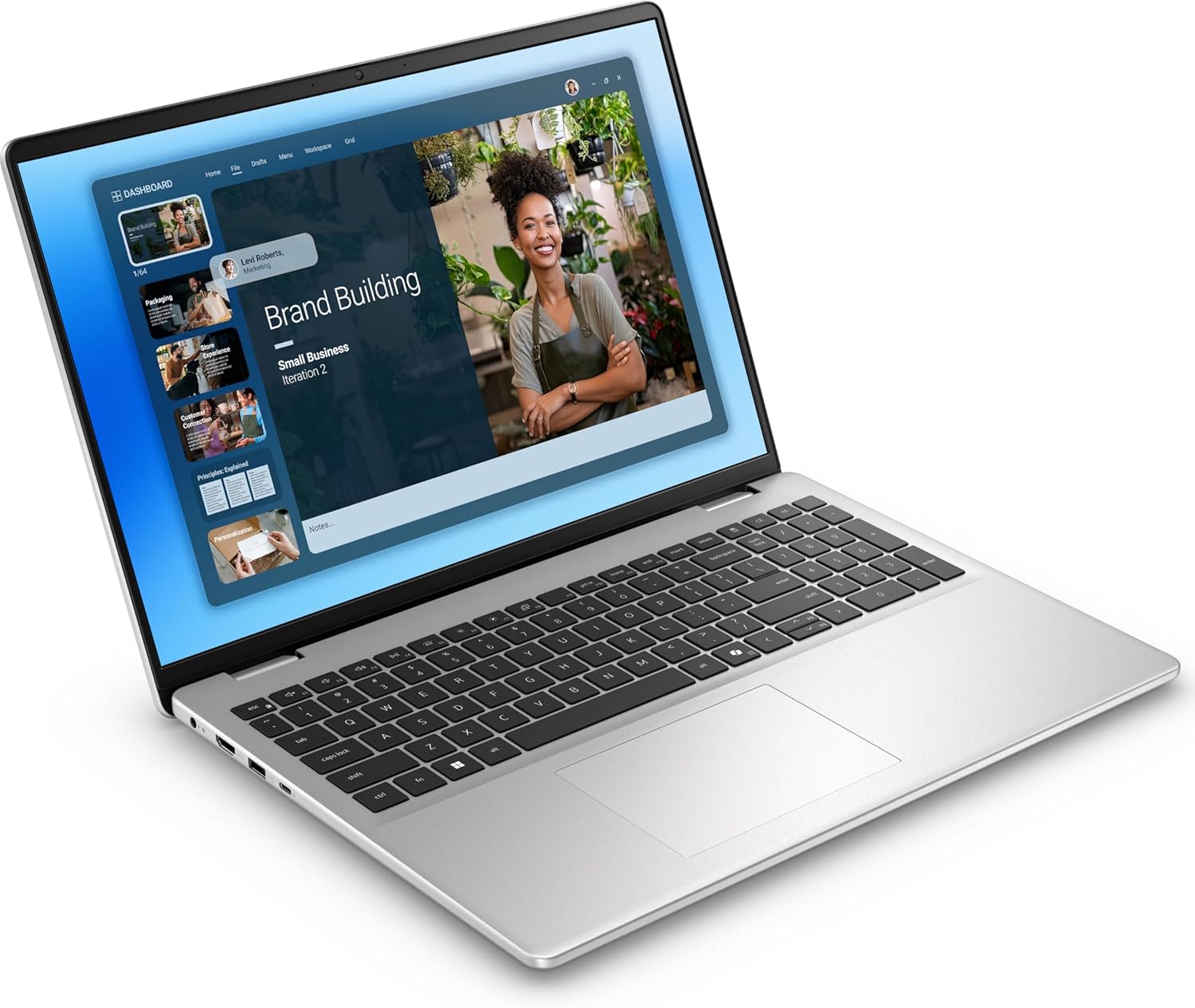
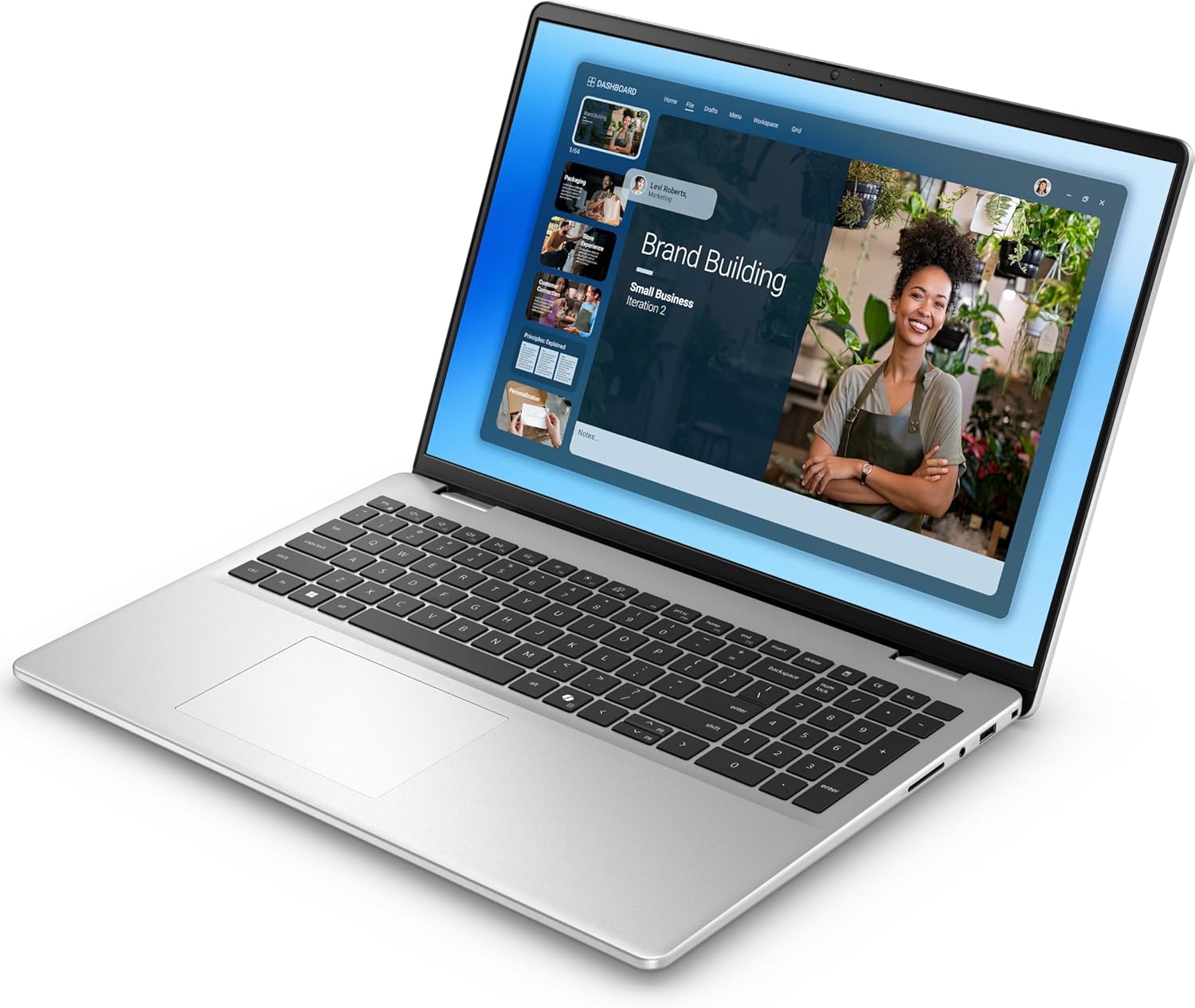
Physical connectivity includes one HDMI 1.4 output, two USB 3.2 Gen 1 Type‑A ports, a single USB 3.2 Gen 2 (10 Gbps) Type‑C port with DisplayPort 1.4 and Power Delivery, an SD card reader, a universal audio jack, a power jack, and a wedge‑shaped lock slot. The lone USB‑C port handles video, data, and charging, which may require a hub for simultaneous peripheral use. The HDMI 1.4 limitation caps external display support at 4K 30 Hz, so users needing higher refresh rates or multiple external monitors should plan accordingly.
Camera, Audio, and Power
An integrated FHD (1080p) webcam with dual digital microphones and noise‑reduction technology supports clear video conferencing for remote work or online classes. Dual tuned speakers provide adequate stereo sound for media consumption and calls, though they lack the depth of external audio solutions. The 65 W AC adapter powers the system and charges via the USB‑C port, offering a single‑cable charging option; however, heavy workloads may draw near the adapter’s limit, potentially slowing charge rates under load.