




Price: $349.99
(as of 2026-10-15 17:55 GMT+0000 – Details)

Operating System and Productivity Suite
The laptop ships with Windows 11 Pro already installed and includes an Office 365 bundle, so the system is ready for work or study straight out of the box. This eliminates the usual time spent on OS configuration, driver updates, and separate office‑suite installation. The immediate availability of Word, Excel, PowerPoint, and Outlook supports typical document creation, spreadsheet analysis, and email management for students and professionals alike. A practical consideration is that the description does not specify the length of the Office 365 subscription; users should verify whether the license is perpetual, a trial, or requires renewal after a certain period.
Display Quality and Viewing Experience
The 15.6‑inch panel offers a 1920 × 1080 resolution on an IPS matrix, providing wide viewing angles and consistent color reproduction across different seating positions. This makes the screen suitable for extended reading, video streaming, and collaborative work where multiple people view the display simultaneously. The full‑HD resolution delivers sharp text and clear images for everyday productivity tasks. However, the panel is not described as touch‑enabled, nor does it mention a high refresh rate or advanced color gamut, so creative professionals requiring precise color work or gamers seeking smoother motion may find the display limiting.
Battery Endurance for Mobile Use
A 5000 mAh battery is rated for up to six hours of mixed usage, which covers a typical school day, a business trip segment, or a few hours of light web browsing and document editing away from a power outlet. The estimate assumes moderate brightness and standard workloads; more demanding activities such as video playback, video‑conferencing, or running multiple applications concurrently will likely reduce actual runtime. Users who need all‑day operation without recharging should plan for a portable charger or access to mains power during longer sessions.
Flexible Hinge and Integrated Communication Hardware
The 180° hinge allows the screen to lay completely flat, facilitating content sharing in meetings or classroom settings where the laptop can be placed on a table for group viewing. An integrated webcam, microphone, and stereo speakers are built in, supporting video calls and online lectures without external peripherals. While this arrangement is convenient for quick collaboration, the description does not provide specifications for camera resolution, microphone noise‑cancellation, or speaker output power, so users with high‑quality conferencing requirements may need to supplement with dedicated accessories.
Connectivity Options and Expansion Potential
Port selection includes two USB 3.0 Type‑A ports, a Mini HDMI output, a combined headphone/microphone jack, and a Micro TF (microSD) card slot. The USB 3.0 ports accommodate mice, keyboards, external drives, and other peripherals at up to 5 Gbps. Mini HDMI enables connection to external monitors or projectors for presentations, while the card slot offers a straightforward way to expand storage or transfer media. The absence of USB‑C, Thunderbolt, or an Ethernet jack limits high‑speed data transfer and wired networking options, which may be a drawback for users with modern docking stations or gigabit LAN requirements.
Portability and Build Characteristics
At 3.53 lb (approximately 1.6 kg) and 0.8 in thick, the chassis is light enough to slip into a backpack or briefcase without adding significant bulk, making it a practical choice for daily commutes between classes, offices, or client sites. The slim profile also helps the device fit into tight spaces such as airplane seat pockets. The description mentions a “sturdy chassis” and a full‑size keyboard, suggesting a baseline level of durability and typing comfort, but it does not detail materials (e.g., aluminum vs. plastic) or any MIL‑STD testing, so long‑term ruggedness remains uncertain.
Memory, Storage, and Processor Performance
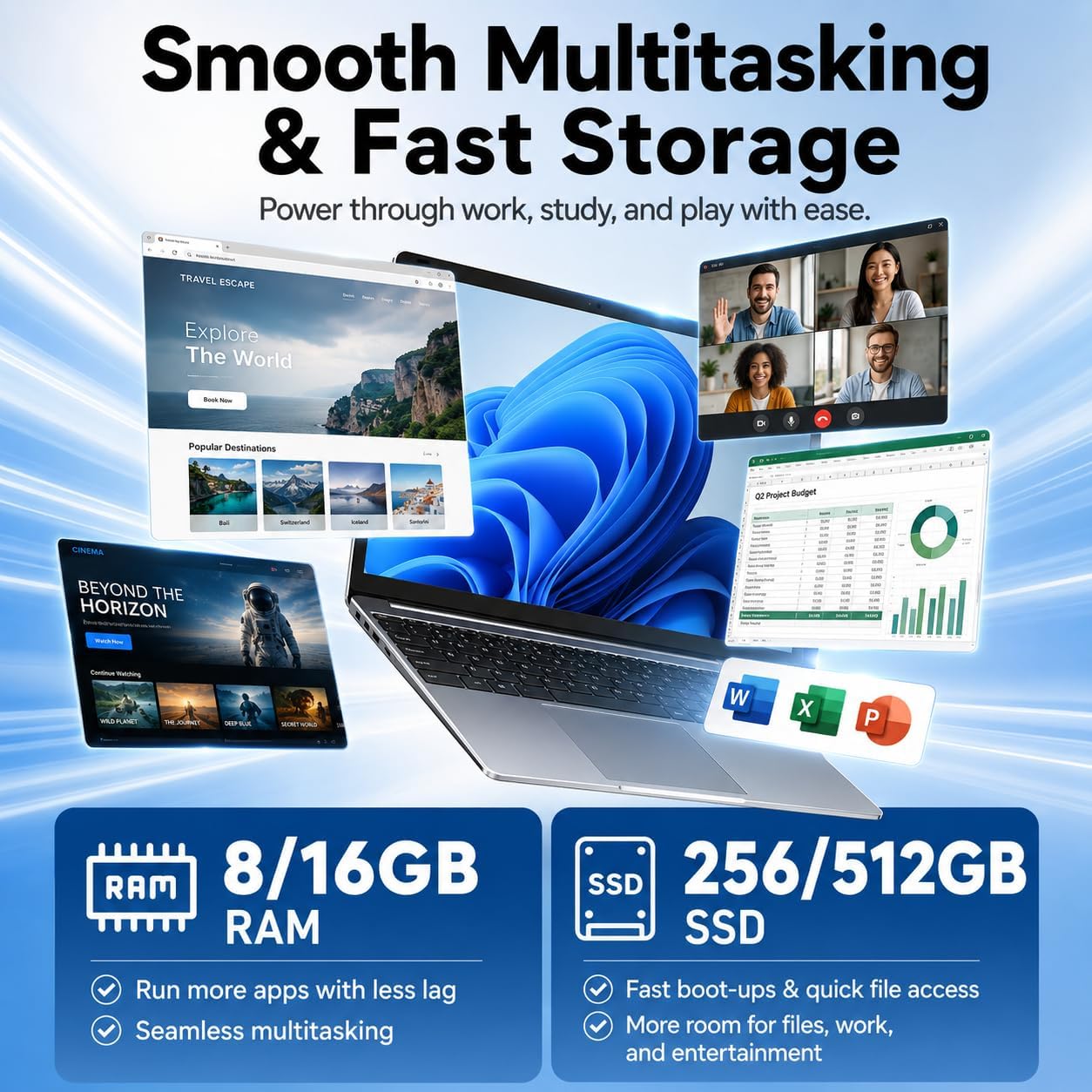
The system pairs 8 GB of RAM with a 256 GB solid‑state drive, delivering quick boot times, snappy application launches, and sufficient space for the operating system, Office suite, and a moderate collection of documents and media. The Intel Pentium processor handles everyday tasks such as web browsing, word processing, spreadsheet work, and video streaming adequately. For more intensive workloads—large‑scale data analysis, video editing, virtual machines, or modern gaming—the Pentium’s limited core count and lower clock speeds, combined with only 8 GB of memory, may become bottlenecks, leading to slower multitasking or the need to close background applications.